Lab
LifeLoop
A photo journal for stable long-term timelapses. A semi-transparent overlay in the viewfinder plus ML Kit face alignment keep frames registered — all on device, nothing in the cloud.
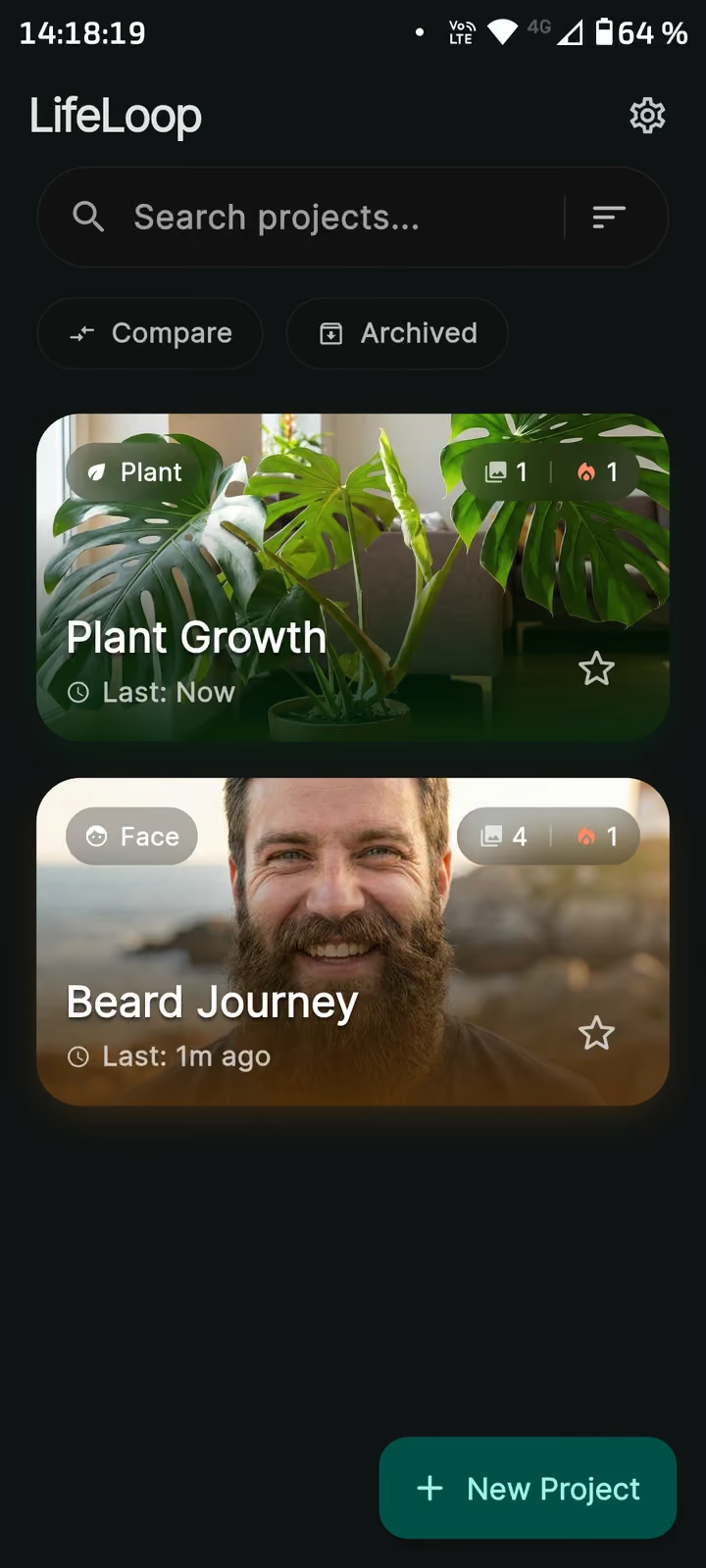
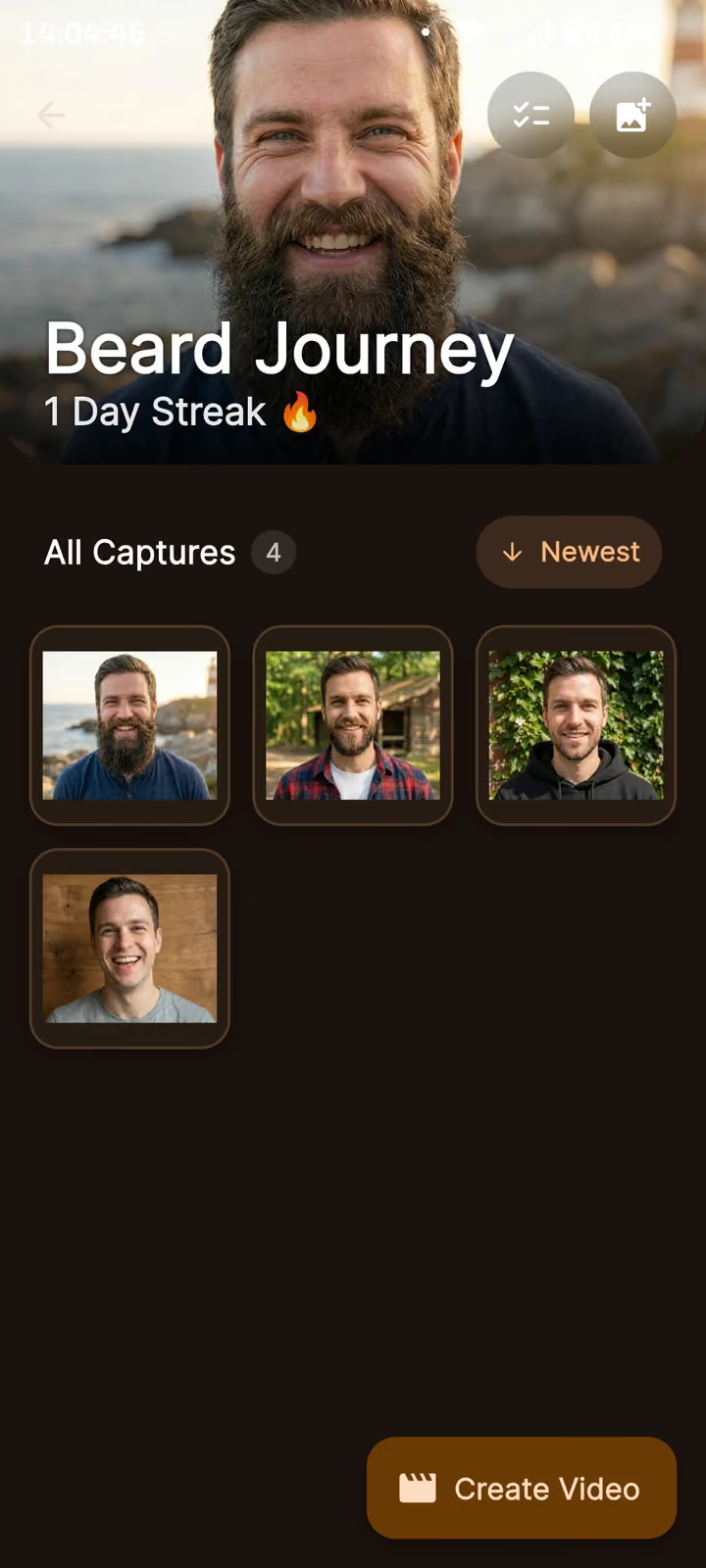
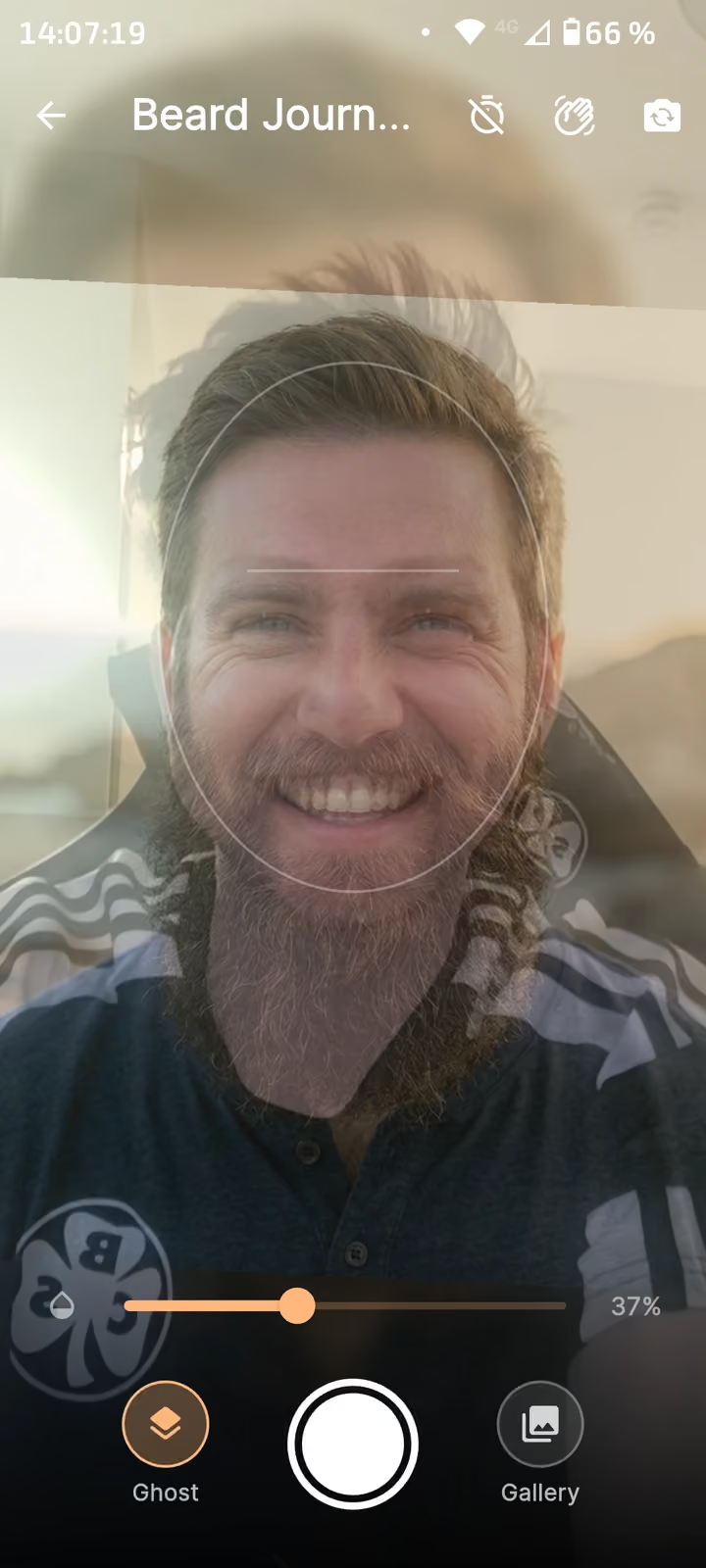
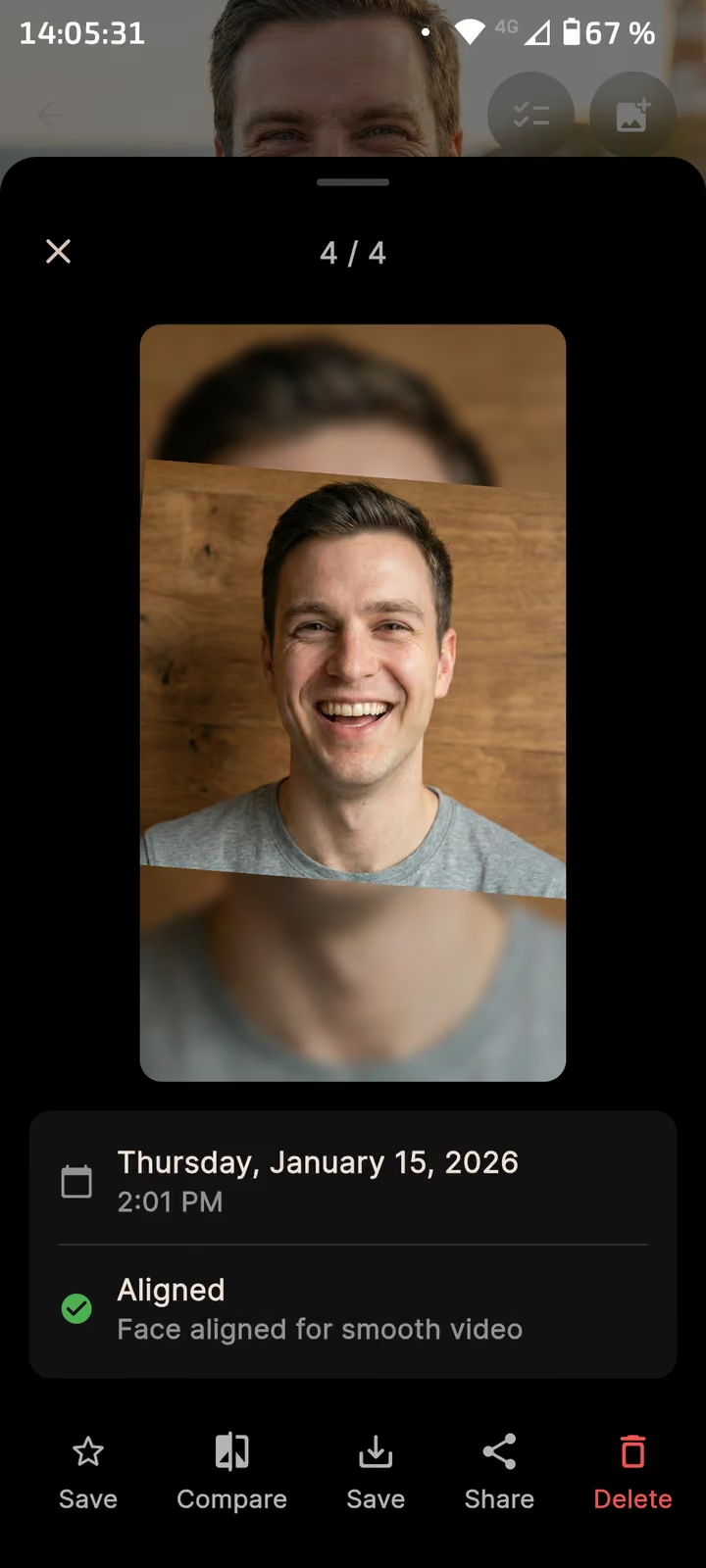
Project list with running series
Why I built it
Two reasons, both personal.
I used to be very sporty, then put on weight and wanted to start again. What keeps me going is seeing that something is happening, so I took a photo every week. Except that is exactly how you don’t see progress: you scroll through the gallery, compare two shots, and because they were taken from different angles they tell you very little.
In December my nephew was born and I became his godfather. The thought of documenting him growing up and handing him a video of it at eighteen did the rest.
Both come down to the same thing: the value only appears once the images line up. That is why the effort sits in the alignment, not in the gallery.
What the app does
LifeLoop follows undertakings that change slowly and whose progress only shows in time-lapse — a beard growing, a plant, a flat being renovated. You create a project and photograph it regularly.
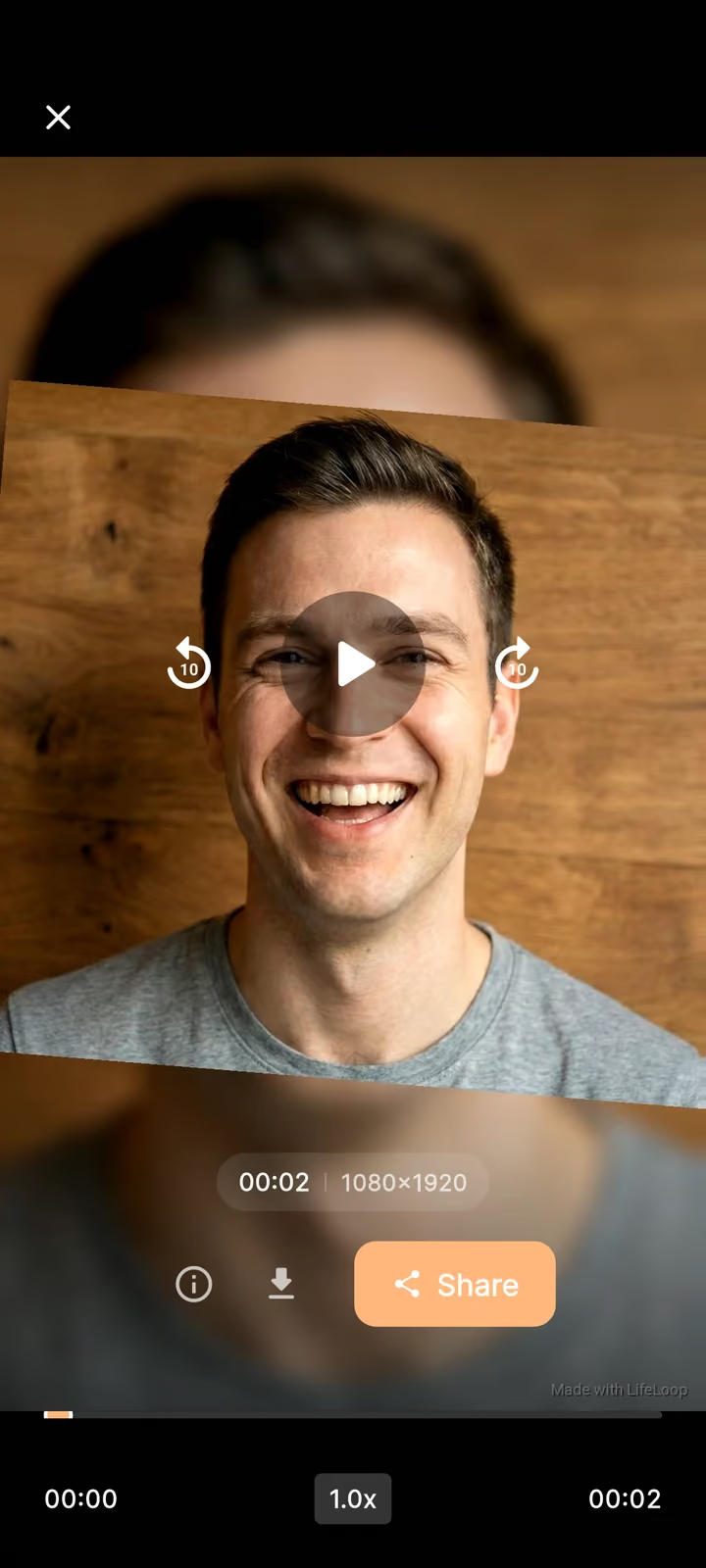
The decisive part is alignment: the camera overlays the previous shot semi-transparently so the new one is taken from the same position. For faces the app aligns automatically on top of that and reports back when a shot sits right. Without that alignment every video made from the series jitters, and the whole point is gone.
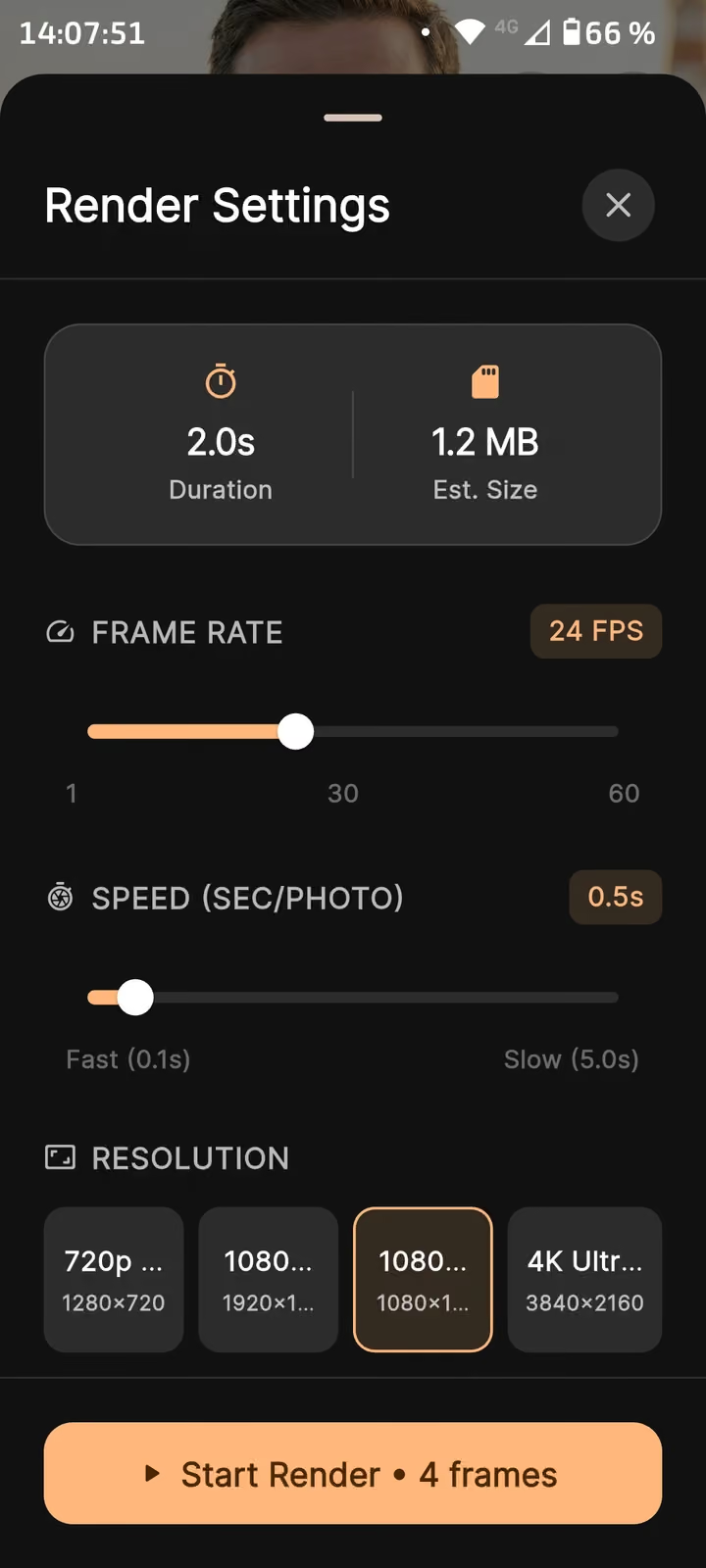
The shots become a video: frame rate, seconds per photo and resolution up to 4K are adjustable, with the estimated file size shown before rendering. Projects can be compared and archived.
How it is built
Flutter for the interface, ML Kit for face detection. Everything runs on the device: the shots never leave the phone, neither for alignment nor for rendering. For an app people feed their own face into over months, that is not a detail but the reason to use it at all.